Work Start: Add a new applicant tracking board
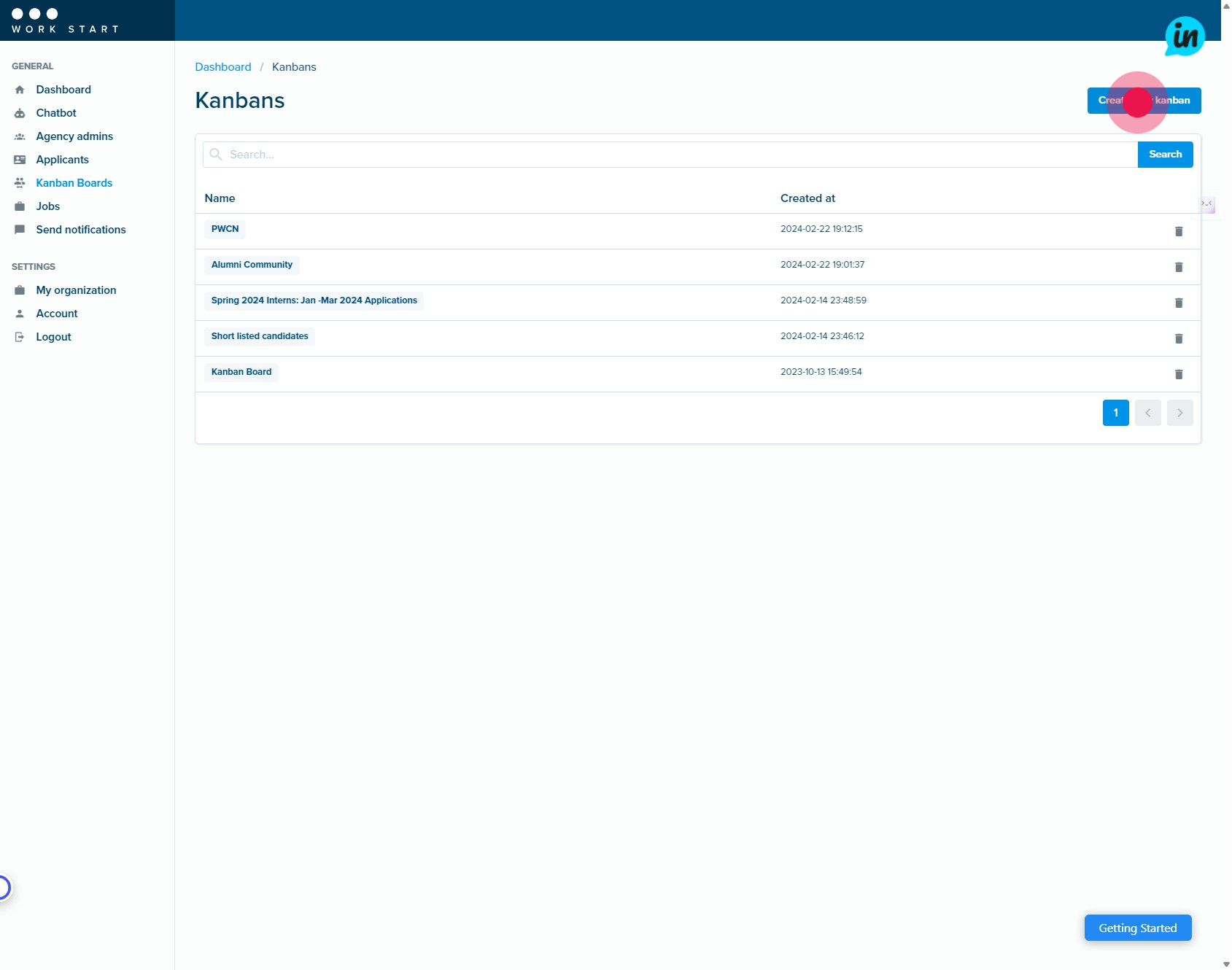
1. Start by clicking the button labeled Create new kanban.
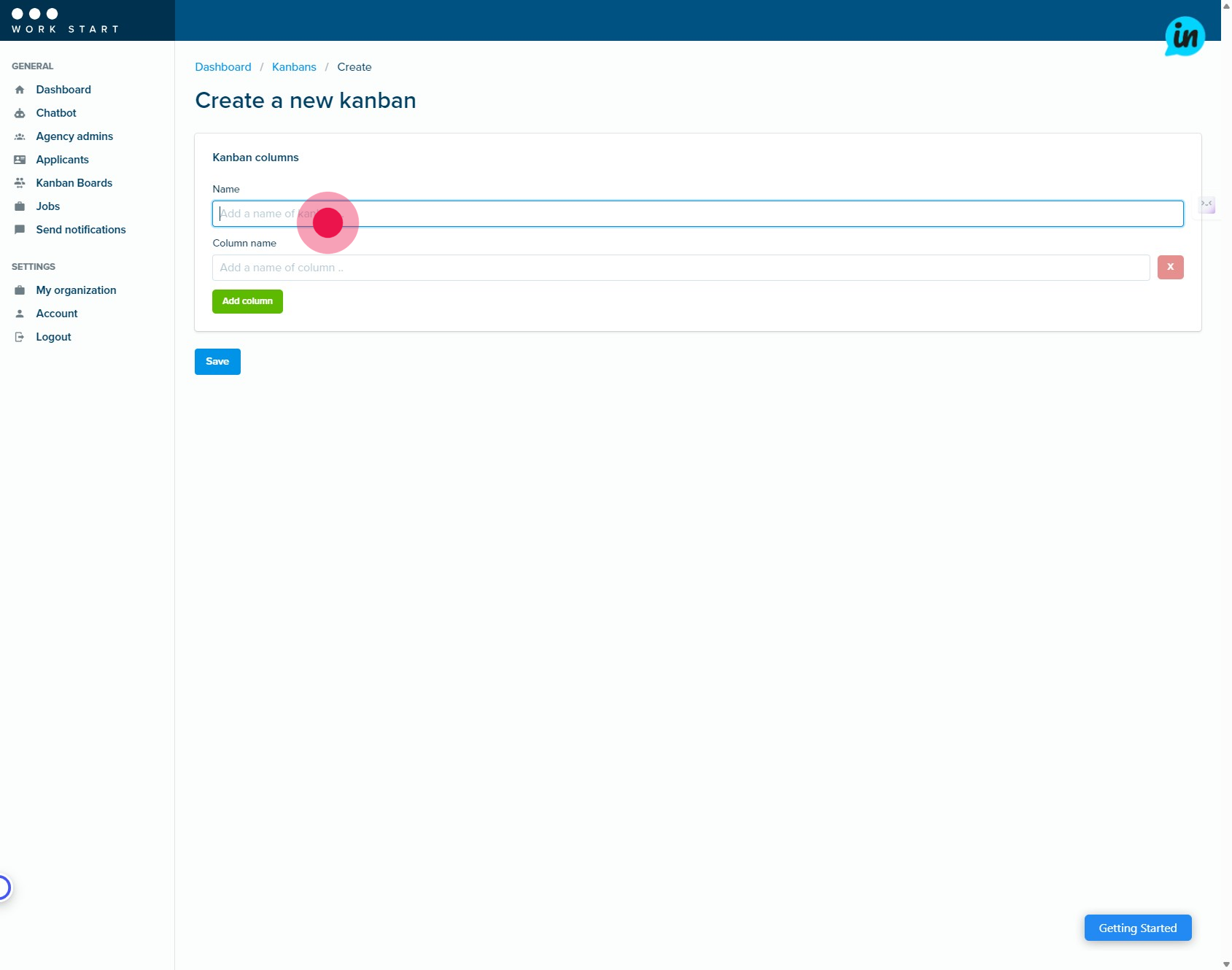
2. Add a suitable name for your Kanban Board.
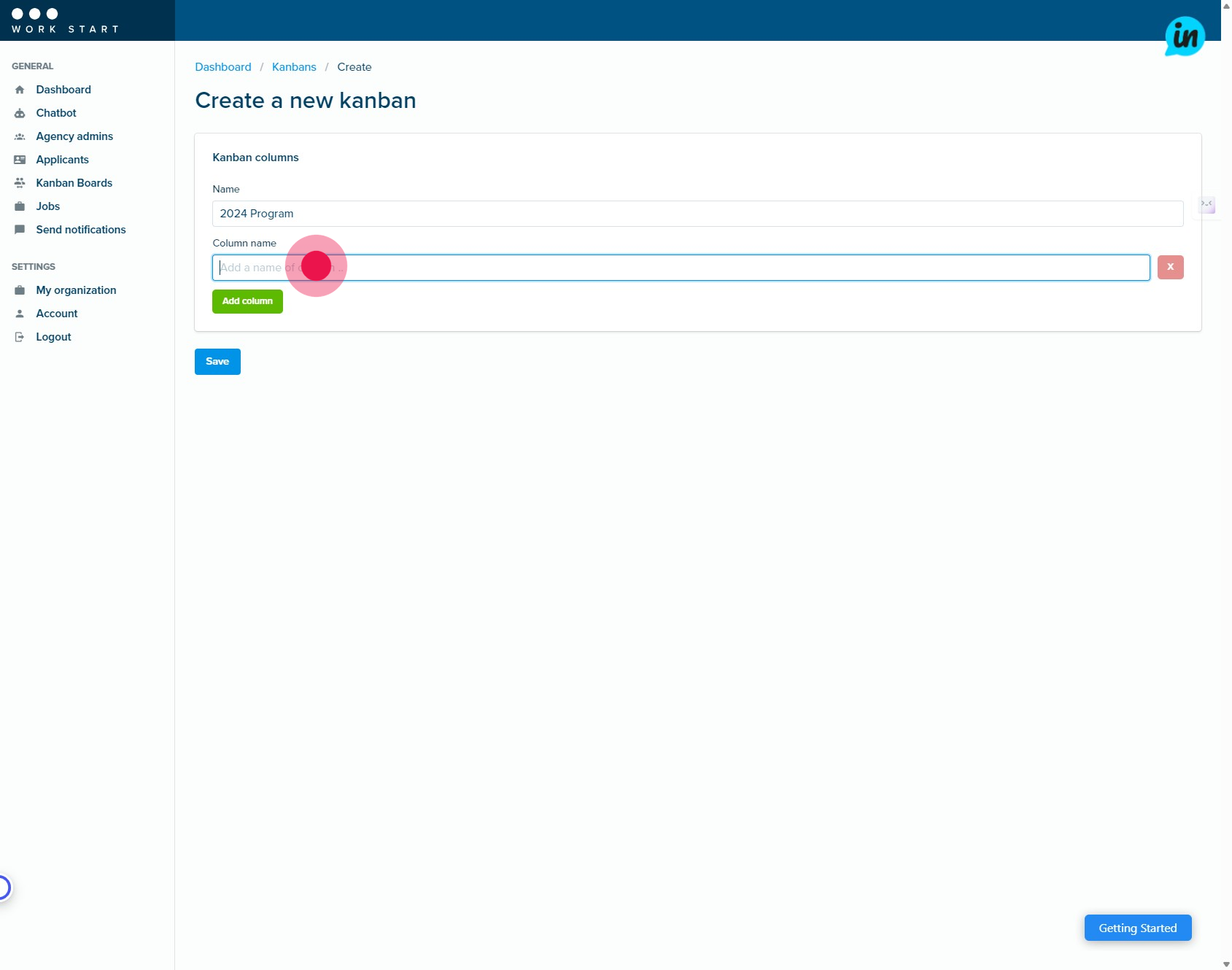
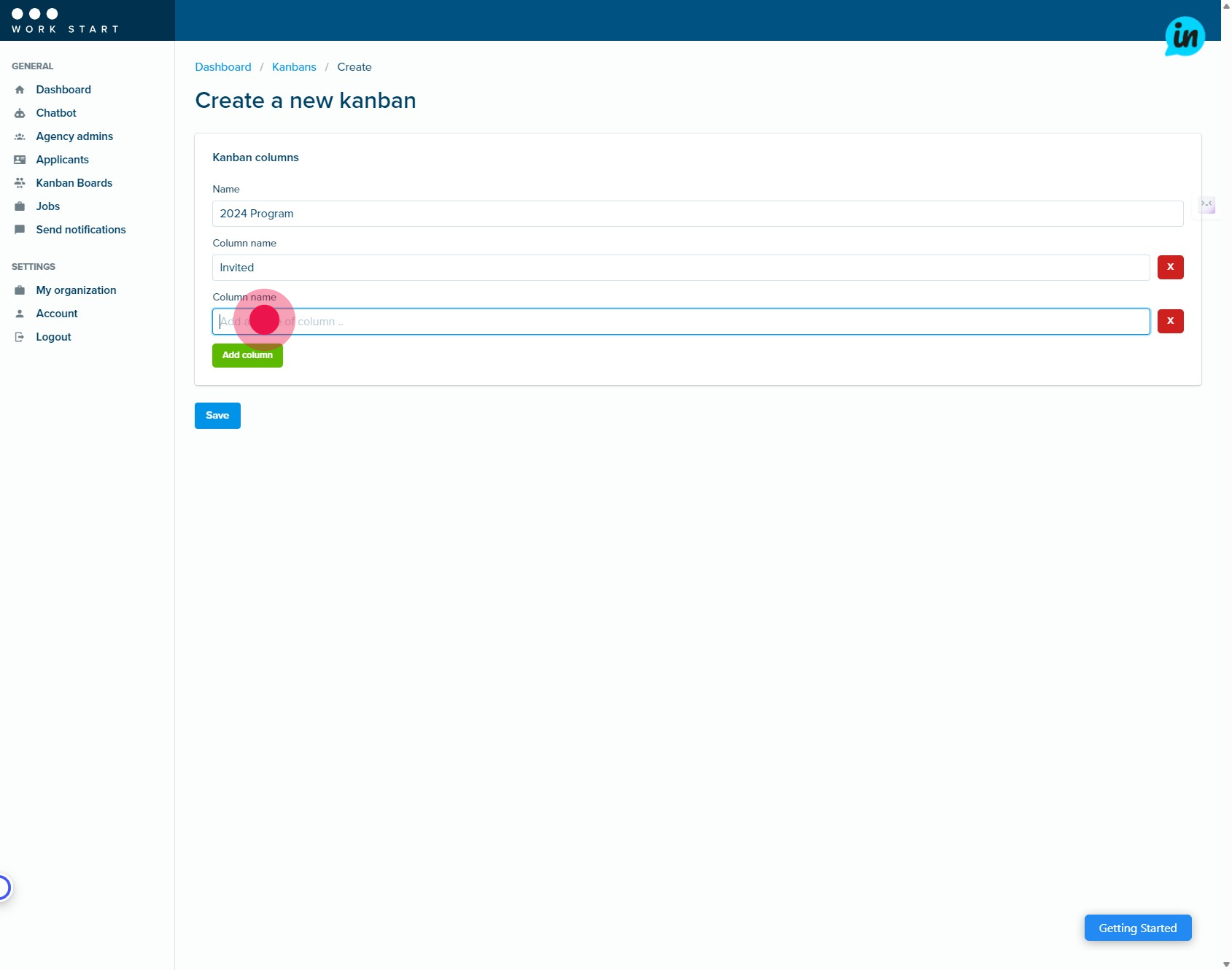
3. Let's proceed by entering the name for your first column.
4. Now, click the button labeled Add column.
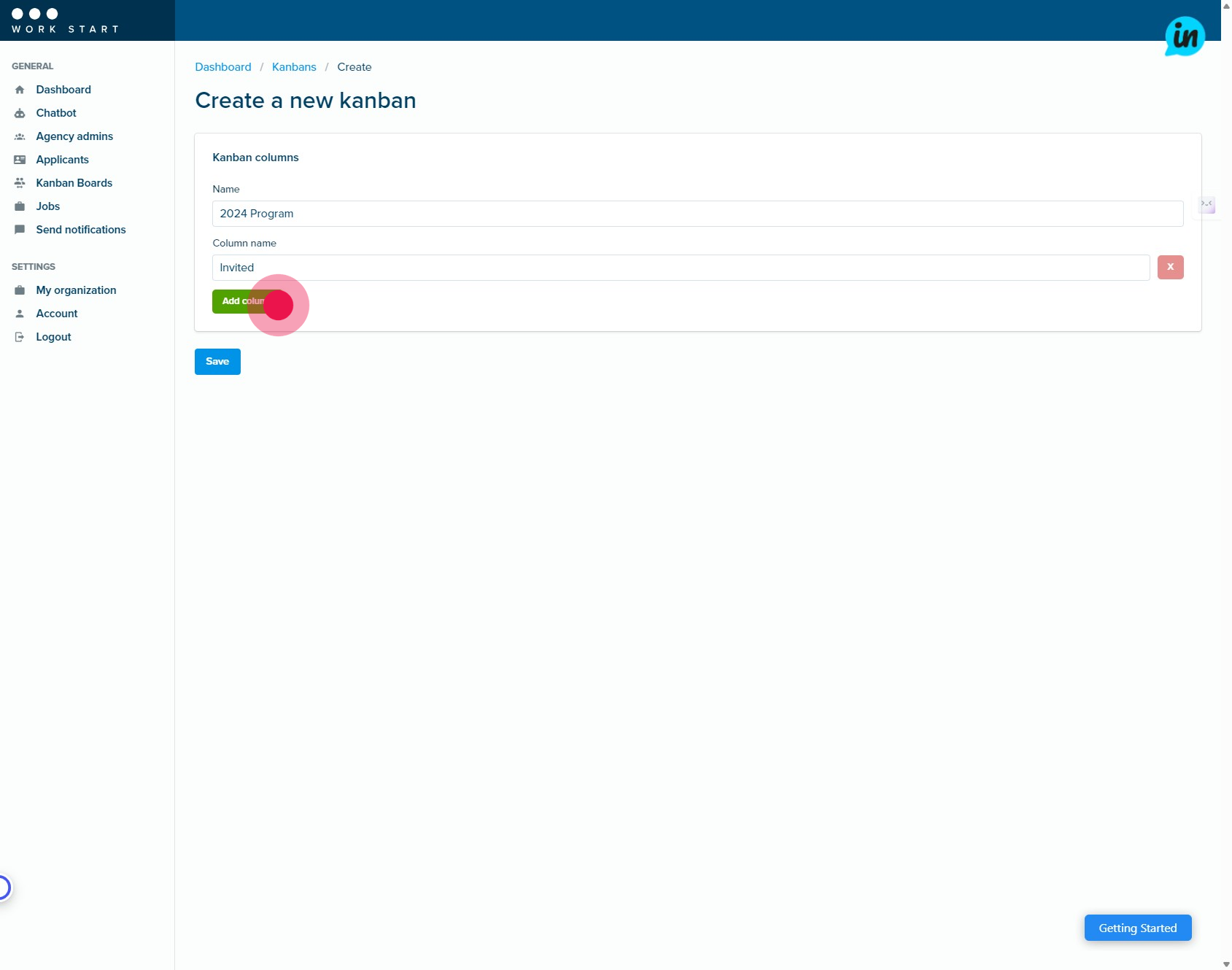
5. You can add as many columns as you need to manage your workflow for each Kanban board.
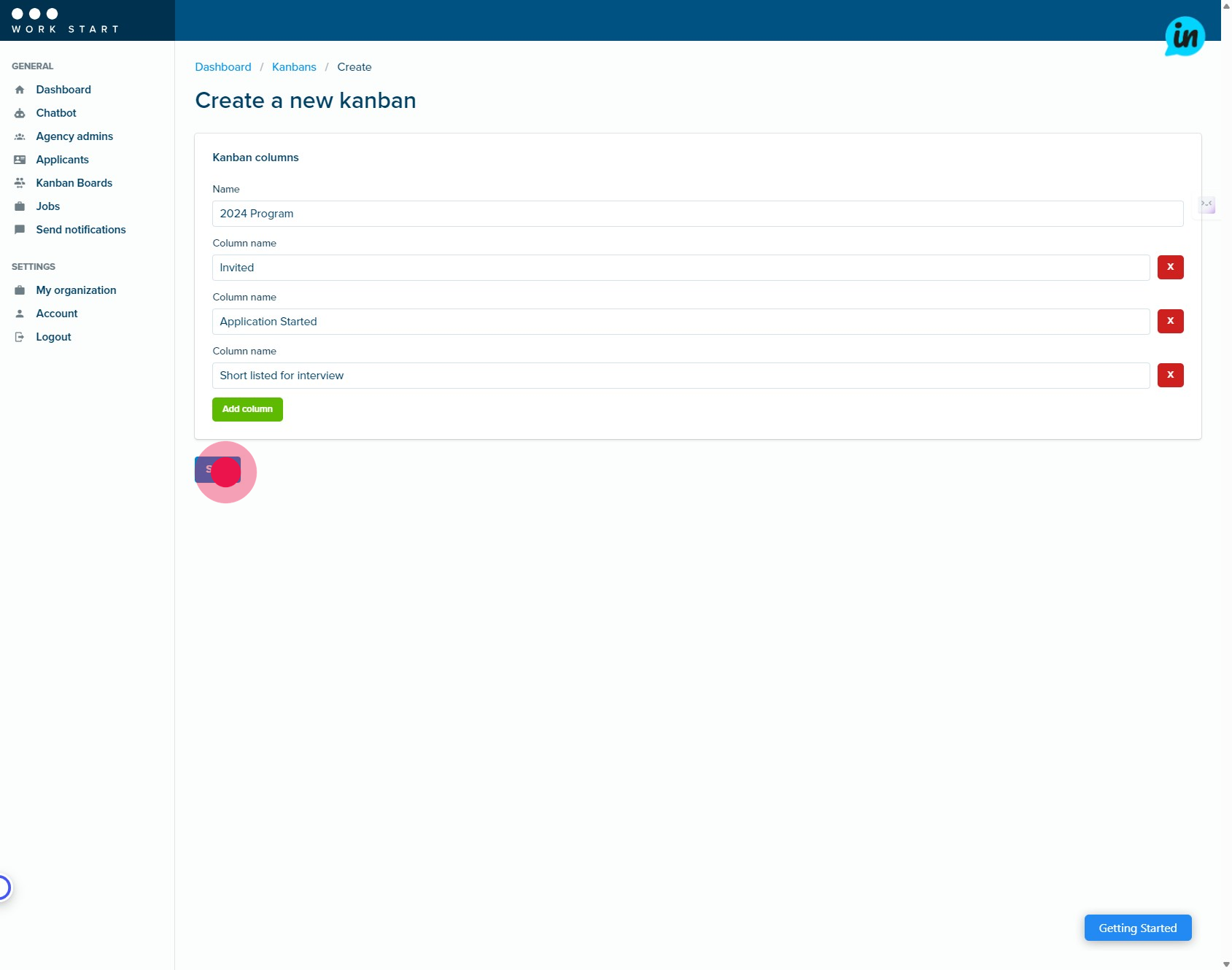
6. Perfect, now let's finalize by clicking Save.
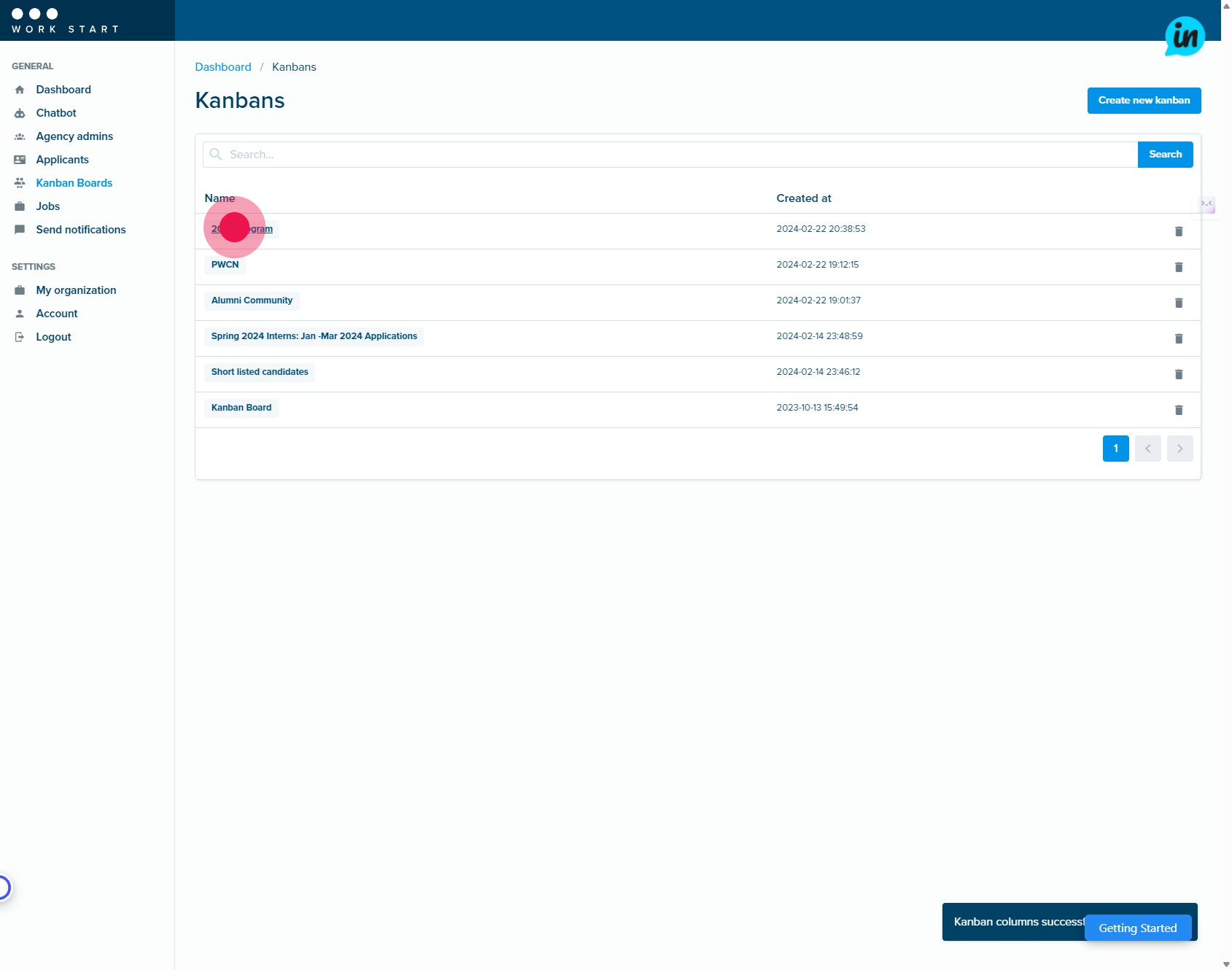
7. Select your new Kanban Board.
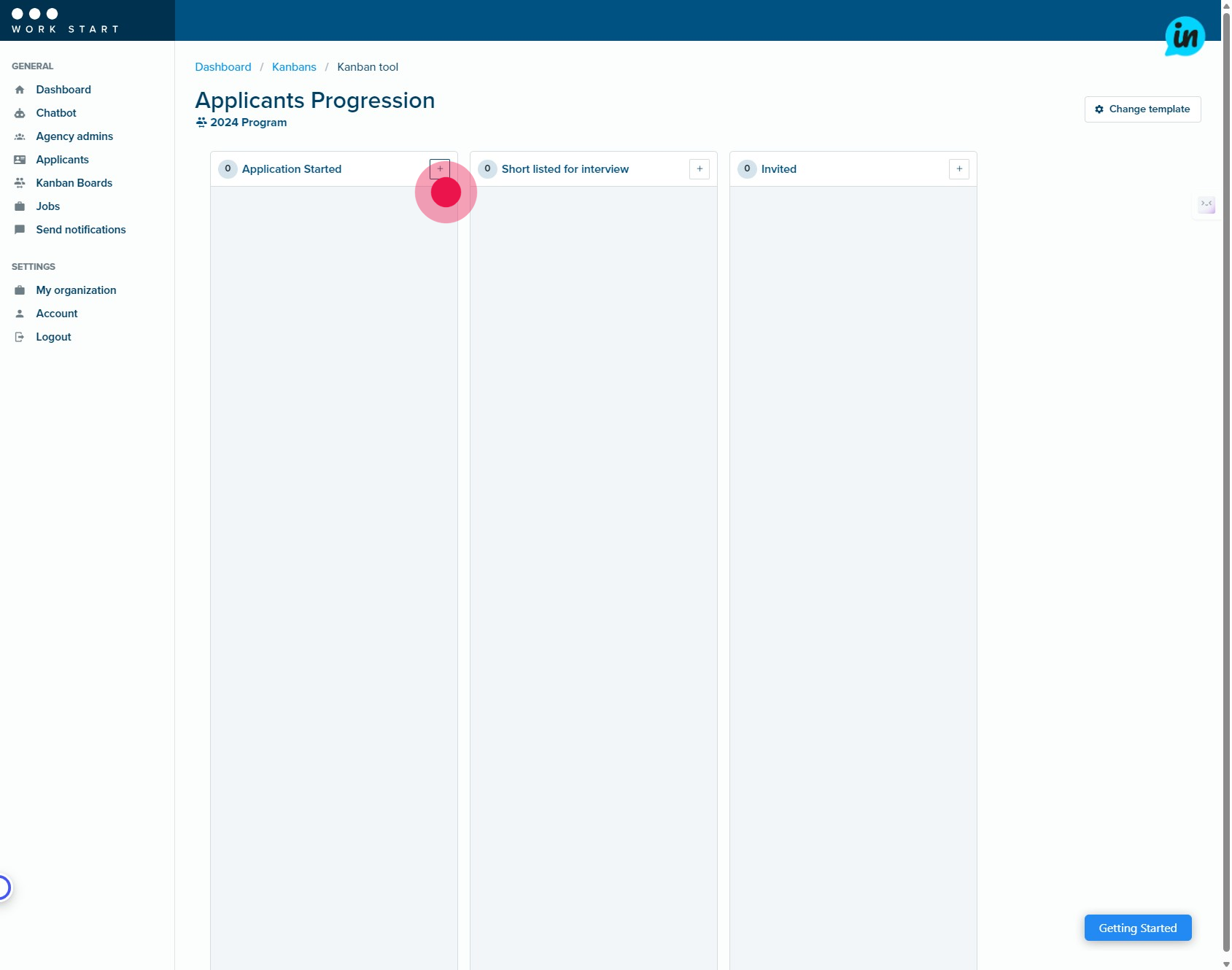
8. Next, click the plus icon to add an applicant to your new Kanban Board.
9. You can upload any key documents related to each client here.

10. Now, let's save the changes by clicking Save.

11. You can add more applicants to your new board and move to them to the next stage in your workflow, by dragging and dropping their Work Card.


